 By Nick Quirk
August 8, 2026
10 min read
By Nick Quirk
August 8, 2026
10 min read
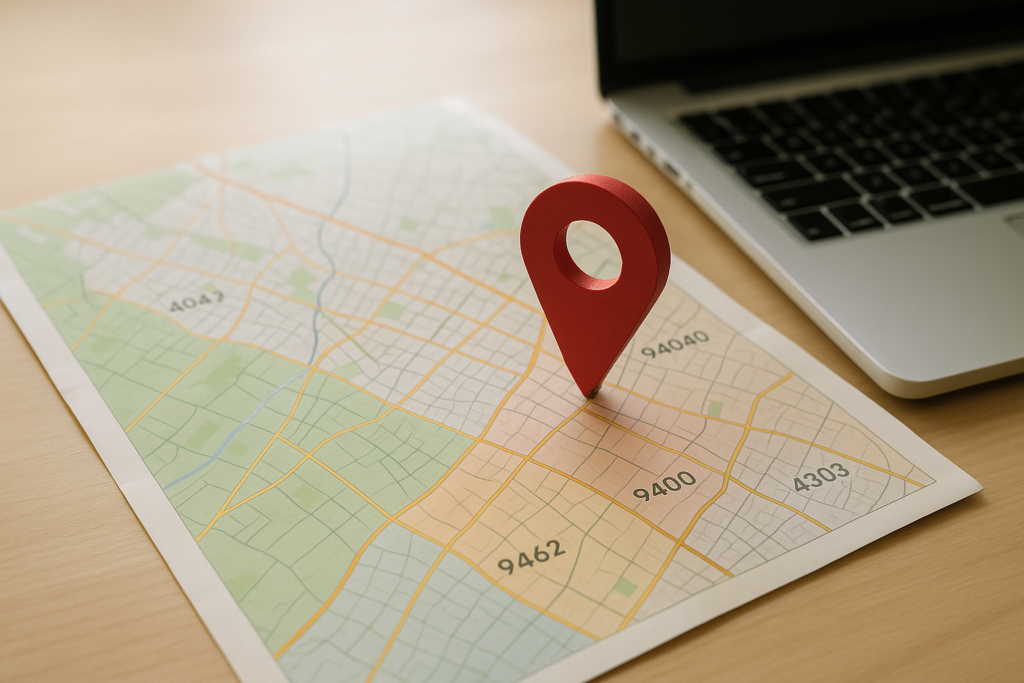
Hyper-local SEO is the practice of ranking for searches tied to a single neighborhood, ZIP code or a few square miles of a city rather than a whole metro area. It matters because Google’s local results are weighted heavily by the searcher’s physical position, so a business ranking first downtown can vanish four miles east. This guide covers how to pick the areas worth targeting, how to build neighborhood pages that survive Google’s spam policies, and how to measure results block by block.
What Hyper-Local SEO Actually Means
Standard local SEO tries to win a city: “plumber in Austin.” Hyper-local SEO narrows the target to a defined pocket of that city, such as “plumber in Hyde Park” or a service area bounded by ZIP codes 78751 and 78756. The queries are lower volume individually, but they convert far better because intent and proximity line up.
Three geographic units do most of the work in this kind of targeting:
- Neighborhood names, which are how residents actually talk (Wicker Park, Ballard, Buckhead) and how they type queries.
- ZIP codes, which map to postal delivery routes rather than tidy neighborhoods but are useful for service-area math and ad targeting. The U.S. Census Bureau’s ZCTA documentation explains why ZIP boundaries are messier than most marketers assume.
- Radius and drive-time zones, usually 3 to 10 miles, which reflect how far a technician or customer will realistically travel.
Most businesses need all three: neighborhood language for content, ZIP codes for operations, and a radius for expectation setting.
Why Proximity Makes Hyperlocal Work
Google has stated that proximity, relevance and prominence drive local pack rankings, and proximity is the one factor you cannot buy. In dense cities, the practical radius of a map pack listing is often under two miles; in rural counties it can stretch past twenty. That gap is the entire reason hyperlocal strategies exist.
Consumer behavior reinforces it. Google’s own data has long shown that a large share of “near me” and local searches lead to a visit or call within 24 hours, and that urgency favors the business that looks closest and most familiar. A page that names the street, the landmark and the ZIP code reads as closer even before the algorithm weighs in.
There is also an AI search angle. Assistants and AI Overviews summarize from sources that state specifics plainly, so a page saying “we serve 60622, 60647 and 60614, typically arriving within 35 minutes” is far more quotable than one saying “we proudly serve the greater Chicago area.”
Step 1: Choose Neighborhoods Using Revenue Data, Not Guesswork
This is the step most competitors skip, and it is where hyperlocal campaigns quietly fail. Before you write a single page, pull two years of customer records and sort them by ZIP code. You are looking for patterns in volume, average job value and travel cost.
- Rank ZIP codes by revenue, not job count. One area might send 40 small jobs while another sends 12 that pay triple.
- Flag adjacency. Target areas that touch your existing strongholds first, since your prominence signals already bleed over.
- Check search demand. Neighborhood modifiers with 20 to 100 monthly searches are normal and still worth a page if the job value is high.
- Score competition per area. Search the target query while spoofing your location, then note how many competitors have a physical address inside that zone.
- Cap your list. Five to twelve strong neighborhood pages beat sixty thin ones every time.
Businesses that skip this end up publishing pages for areas they never wanted to serve, then paying for leads that take 50 minutes to reach.
Step 2: Build Location Pages Google Treats as Real Content
Google’s spam policies specifically name doorway pages, meaning near-duplicate pages created only to funnel visitors from many locations to the same destination. Swapping the neighborhood name in a template and republishing it 30 times is the textbook version of that problem. The fix is to make each page genuinely different.
Elements that make a neighborhood page substantive:
- Local proof: two or three named jobs completed in that area, with the street or subdivision, the problem and the outcome.
- Area-specific detail: housing stock and age, common issues (cast iron pipes in older blocks, clay soil, HOA rules), and typical pricing for that mix.
- Reviews from that ZIP code, pulled and displayed on the matching page.
- Landmarks and boundaries written naturally, plus the ZIP codes covered and a realistic response window.
- Original photos from work in the neighborhood, with descriptive file names and alt text.
- A distinct offer or FAQ that addresses something unique about the area, such as permit timelines in that municipality.
Aim for 600 to 1,000 words of genuinely unique copy per page. If you cannot write that much honestly about a place, you probably should not have a page for it yet.
We cover this topic in more depth in Tracking Local SEO ROI: Metrics That Matter Most.
We cover this topic in more depth in The Future of SEO: AI and Machine Learning in Search.
We cover this topic in more depth in How to Rank in the Google Local Pack (The Map Pack).
Structure and Internal Linking
Keep the architecture shallow: service page, then child location pages, then a hub that lists every area you cover. Link each neighborhood page to the two or three adjacent ones so users and crawlers understand the geographic cluster. Add LocalBusiness schema with areaServed values listing the specific ZIP codes, and make sure the markup matches what is visible on the page.
Speed and mobile experience decide whether any of this converts, since local searches skew heavily to phones. Our guide to mobile-first indexing covers the checks worth running before you publish a batch of location pages.
Step 3: Push Your Google Business Profile Into the Right Zones
Your profile address is fixed, but several signals still influence which neighborhoods you show up in. Set service areas to the specific ZIP codes or cities you selected in step one, and resist the temptation to list twenty of them. Overreaching dilutes relevance and rarely earns you rankings outside your true radius.
Beyond that, publish Google Posts that name neighborhoods and reference recent local work, upload geotagged job photos regularly, and answer questions in the Q&A section using area language. Categories still carry more weight than almost anything else, so confirm your primary category matches the service you want to rank for in each zone.
Reviews are the most underused hyperlocal lever. When a customer mentions their neighborhood in a review, that text becomes part of your profile’s relevance for that area, so asking “where were we working?” in your review request template is a small change with outsized effect.
Step 4: Earn Citations and Links From Inside the Neighborhood
Consistent name, address and phone data across directories remains the floor, not the ceiling. Once your core citations are accurate, the next tier of links is what actually separates you inside a ZIP code.
- Neighborhood association newsletters and block club sites, which often have simple sponsor pages.
- Local school, youth sports and PTA sponsorship pages tied to a specific attendance zone.
- Chamber of commerce and business improvement district directories for that district, not just the metro chamber.
- Community event calendars, farmers market vendor lists and library partner pages.
- Neighborhood news sites and Patch-style outlets covering a handful of ZIP codes.
Ten links like these usually move local rankings more than a national guest post, because they carry geographic association that generic domain authority does not. This is one of the benefits of working with a local agency: those relationships already exist.
Step 5: Measure Rankings by Location, Not by Average
A single ranking number for “roof repair” is close to meaningless in hyperlocal work. Use grid-based rank tracking, which checks your position from dozens of coordinate points across a map and returns a heat grid. You will typically see a green core near your address fading to red at the edges, and your job is to expand that core outward.
Track these instead of a citywide average:
- Grid visibility score per target neighborhood, checked monthly.
- Calls and form fills segmented by ZIP, using a hidden field or call tracking.
- GBP discovery searches versus branded searches, which shows whether new areas are finding you.
- Landing page conversion rate per location page, so you can prune the ones that draw traffic but no jobs.
Give any new set of neighborhood pages 90 to 120 days before judging them. Local rankings move slower than blog rankings because prominence signals accumulate gradually.
Mistakes That Sink Hyperlocal Campaigns
The most common failure is scale without substance: 80 templated pages, no local proof, and a slow decline once Google classifies them as thin. A close second is fake or virtual addresses, which get listings suspended and are increasingly easy for Google to detect through verification video requirements.
Two more worth naming. Businesses often target neighborhoods they cannot profitably serve, then blame the SEO when close rates drop. And many stop updating location pages entirely, leaving 2023 project examples on a page that claims current coverage. Refresh each page at least twice a year with new jobs and reviews.
Frequently Asked Questions
How many neighborhood pages should a small business create?
Most small businesses do best with 5 to 12 neighborhood pages in year one, adding a few each quarter as they gather real project examples. The limiting factor is unique content, not keyword availability, so publish only where you have jobs, photos and reviews to reference.
Can I rank in a ZIP code where I have no physical address?
Yes for organic results, and sometimes for the local pack if you are within roughly 2 to 5 miles in a city or 10 to 20 miles in a rural area. Service-area businesses can rank outside their immediate zone, but proximity still caps how far that reach extends, so pair location pages with paid search for distant areas.
How long does hyperlocal SEO take to show results?
Expect 90 to 180 days for new neighborhood pages to gain traction, with local pack movement often lagging organic gains by a month or two. Businesses with an established profile and steady review flow tend to see movement toward the faster end of that range.
Should I target ZIP codes or neighborhood names in content?
Use neighborhood names in headings and body copy, and ZIP codes in schema, service area settings and a short coverage list. People search by neighborhood name roughly ten times more often than by ZIP code, but ZIP codes help with structured data and ad targeting precision.
Does hyperlocal SEO help with AI search results?
It does, because AI assistants favor sources that state coverage areas, response times and pricing in plain, specific language. Pages that name streets, ZIP codes and landmarks give these systems concrete facts to cite, which generic city-wide copy does not.
Want Your Business Ranking Block by Block?
If your map visibility drops off a cliff two miles from your front door, the fix is usually a mix of better location pages, local links and a cleaned-up profile. Talk to SEO Quirk about a neighborhood-level plan, or browse the blog and SEO Quirk homepage to read more on local search.