 By Nick Quirk
July 28, 2026
9 min read
By Nick Quirk
July 28, 2026
9 min read
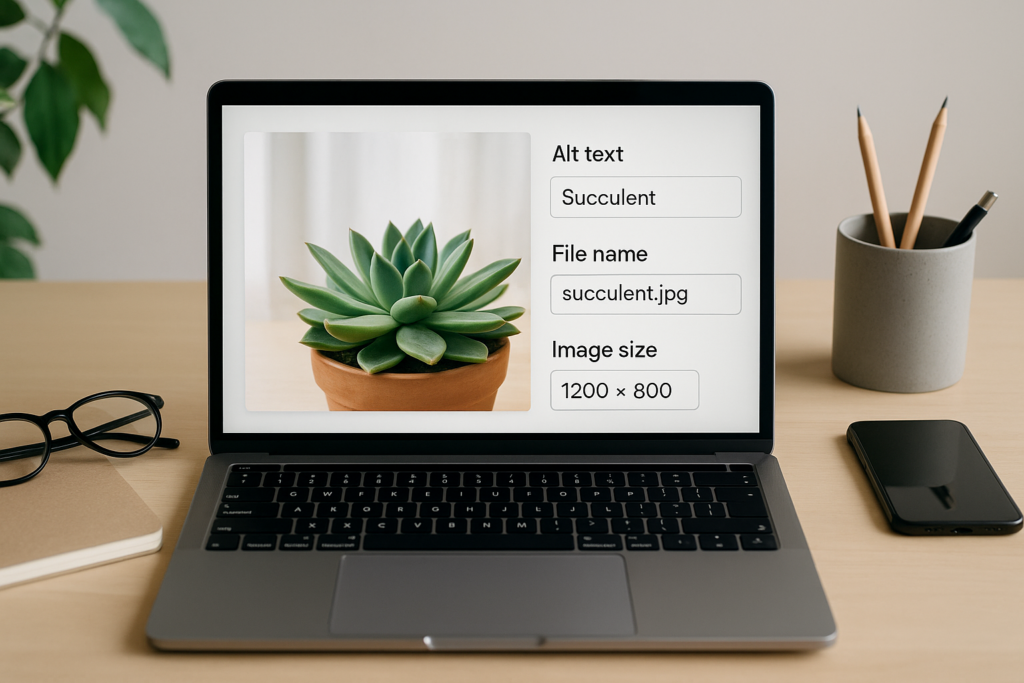
Image SEO is the practice of making every picture on your site readable to search engines and usable for people, and it comes down to three levers you control: alt text, file names, and file sizes. Get those right and you earn traffic from Google Images, faster load times, and better accessibility scores. Get them wrong and you ship pages carrying two megabytes of unnamed screenshots that no crawler can interpret.
This guide walks through each lever with specific targets, then covers the part most articles skip: how images are actually delivered and discovered.
What Image SEO Actually Covers
Most people hear “optimize images” and think compression. That is one piece. In practice, image SEO best practices span four layers that work together:
- Semantic layer: the alt attribute, the file name, the caption, and the text immediately surrounding the image.
- Technical layer: format (WebP, AVIF, JPEG, SVG), compression, dimensions, and the
widthandheightattributes in your markup. - Delivery layer: responsive
srcsetrules, lazy loading, CDN caching, and how the image affects Largest Contentful Paint. - Discovery layer: image sitemaps, stable URLs, structured data, and whether the image sits on a page worth indexing.
Skip any one layer and the others lose use. A perfectly written alt attribute on a 4 MB PNG still hurts the page.
Alt Text: Write for Someone Who Cannot See the Image
Alt text is the written description inside the alt attribute of an <img> tag. Screen readers read it aloud, browsers display it when an image fails to load, and Google uses it as one signal for understanding what the picture shows. The correct mental test is simple: if you were reading the page over the phone, what would you say about this image?
Google’s own Google Images documentation asks for descriptive alt text that avoids keyword stuffing, and that guidance has not changed in years. Describe the subject, the action, and any detail that matters to the surrounding content.
Image alt text examples, good and bad
- Bad (empty):
alt=""on a meaningful product photo. - Bad (file dump):
alt="IMG_20260114_0042". - Bad (stuffed):
alt="seo services philadelphia seo company best seo agency". - Weak:
alt="chair". - Good:
alt="Walnut mid-century dining chair with woven cane back". - Good (chart):
alt="Line chart showing organic sessions rising from 1,200 to 4,800 per month between January and September 2026".
Notice the keyword usually shows up naturally, because a plain description of the subject tends to contain the words people search for. That is the whole trick. If your target phrase does not fit grammatically, leave it out and let your keyword placement do its work elsewhere on the page.
How long should alt text be?
Aim for roughly 8 to 16 words, or about 125 characters. Several popular screen readers historically truncated longer strings, and long descriptions become tedious to hear read aloud. Complex images such as infographics deserve a short alt attribute plus a longer explanation in the body text or a caption.
Decorative images and the empty alt attribute
Not every image needs a description. Background flourishes, spacer graphics, and icons that sit beside a text label already carry no information, so give them alt="" rather than inventing words. The W3C alt decision tree is the cleanest reference for deciding which bucket an image falls into. Leaving the attribute off entirely is the mistake, because assistive technology may then announce the file name.
Alt text vs the title attribute
The title attribute produces a hover tooltip and carries almost no SEO weight. It is not a substitute for alt text, it does not appear on touchscreens, and duplicating your alt copy into it adds noise. Use captions instead when you want visible context, since captions sit in the page content where both readers and crawlers pick them up.
File Names: Name the Subject Before You Upload
Yes, image file names matter, though they are a mild signal rather than a deciding one. They help Google interpret the image, they show up in image search URLs, and they make your media library searchable six months later. Renaming DSC_0491.jpg to walnut-cane-dining-chair.jpg takes four seconds.
- Use lowercase letters and hyphens, never spaces or underscores.
- Keep it to three to five words that describe what is in the frame.
- Drop stop words, dates, and camera codes unless they carry meaning.
- Do not repeat the same keyword string across 40 files; vary the descriptions naturally.
- Rename before uploading, because changing an image URL later means a redirect and a fresh crawl.
If you are working through a batch of older pages, file names are one of the fastest fixes on our list of common on-page SEO mistakes.
File Size, Format, and Dimensions
Images are usually the heaviest thing on a web page, and the median page still ships close to a megabyte of them according to HTTP Archive tracking. Size work pays off twice: rankings benefit from faster pages, and conversion rates benefit from visitors who do not bounce while a hero image loads.
Pick the right format
- WebP: the sensible default for photos and screenshots, typically 25 to 35 percent smaller than an equivalent JPEG.
- AVIF: often 40 to 50 percent smaller than JPEG at similar quality, with broad browser support in 2026. Serve it with a WebP or JPEG fallback.
- JPEG: fine as a fallback for photography.
- PNG: reserve for images that need transparency or hard pixel edges.
- SVG: logos, icons, and line diagrams, since it scales to any size for a couple of kilobytes.
Target numbers worth holding yourself to
- Under 100 KB for in-body images, and under 200 KB for a full-width hero.
- Maximum rendered width of about 1,600 to 2,000 pixels for hero images, 800 to 1,200 for content images. Uploading a 5,000 pixel original that displays at 700 wastes bandwidth on every visit.
- Quality setting of 70 to 80 in most compressors, where the difference is invisible on screen.
- Largest Contentful Paint under 2.5 seconds, which is the threshold Google publishes for a good Core Web Vitals score.
Free tools handle nearly all of this: Squoosh for one-off conversions, ImageOptim or the built-in compression in most modern CMS platforms for bulk work, and Lighthouse or PageSpeed Insights to see which specific files are costing you seconds.
The Layer Most Guides Skip: Delivery
You can nail alt text and compression and still tank your Core Web Vitals if the markup is sloppy. Three details matter more than another round of compression:
- Always set width and height attributes. Without them the browser cannot reserve space, and the page jumps as images arrive, which shows up as Cumulative Layout Shift.
- Use srcset and sizes. Serving a phone a desktop-sized file is the single most common cause of bloated mobile pages. Generate three or four widths and let the browser choose.
- Lazy load below the fold only. Add
loading="lazy"to images further down the page, but never to your LCP image, since that delays the very thing being measured. Usefetchpriority="high"on the hero instead.
Keep image URLs stable and cacheable too. Every time a plugin regenerates thumbnails at new paths, Google has to rediscover them, and any image search equity resets.
Discovery: Getting Images Indexed and Cited
Google does not index images in isolation; it indexes the page they sit on. That means the copy wrapped around an image carries real weight, and this is where alt text alone is not enough.
- Put a descriptive caption or nearby paragraph under important images, especially charts, before-and-after shots, and product photography.
- Add images to your XML sitemap (or a dedicated image sitemap) so crawlers find files loaded by JavaScript.
- Use structured data for products, recipes, and articles, since eligible image markup can appear with a badge in image results.
- Make sure the page title and heading structure match the image subject. Our guide to optimizing header tags covers how to set that context.
- Do not block your image directory in robots.txt, a surprisingly common accident on migrated sites.
There is an added reason to care in 2026: AI answer engines lean on the same descriptive text when deciding which visual to pull into a response. Clear alt copy and captions make your images easier to attribute, which is a quiet advantage as more searches end in a summary.
A 10-Minute Image SEO Audit
- Run one key page through PageSpeed Insights and note every image flagged as oversized.
- Use an alt text checker or your browser’s accessibility inspector to list images missing the attribute.
- Sort your media library by file size and fix anything over 300 KB first.
- Spot-check ten file names for camera codes and rename future uploads properly.
- Confirm the hero image is not lazy loaded and does have width and height set.
Repeat quarterly. Image bloat creeps back in the moment someone drags a phone photo straight into a post. For the wider context around all of this, see our guide to on-page SEO in 2026.
Frequently Asked Questions
How to optimize alt text for SEO?
Describe the image in about 8 to 16 words, include your target keyword only if it fits the description naturally, and skip phrases like “image of” since screen readers already announce that it is an image. Keep decorative graphics at alt="" and give complex charts a short alt plus a fuller explanation in the body copy.
How do you write great image alt text and get more SEO traffic?
Write the description first and check the keyword second, then pair it with a descriptive file name, a caption, and compression under 100 KB. Traffic gains usually come from the combination: uniquely useful images (original photos, charts, screenshots) on pages that already rank tend to pick up image search impressions within a few crawl cycles.
What is the best length for image alt text?
Around 125 characters, or roughly 8 to 16 words, is the practical ceiling. Some screen readers have truncated longer strings, and past that length listeners lose the thread, so move extra detail into a caption or the surrounding paragraph.
Do image file names matter for SEO?
Yes, though they are a supporting signal rather than a ranking driver. Google has said file names help it understand image subject matter, so walnut-cane-dining-chair.jpg beats IMG_4821.jpg. Rename before upload, because changing the URL afterward requires a redirect.
Want an Expert Set of Eyes on Your Images?
If your pages load slowly or your photos never show up in Google Images, an audit will usually find a dozen quick wins in an afternoon. Talk to SEO Quirk about a technical review, and if you like working with someone close by, here is why a local agency helps.